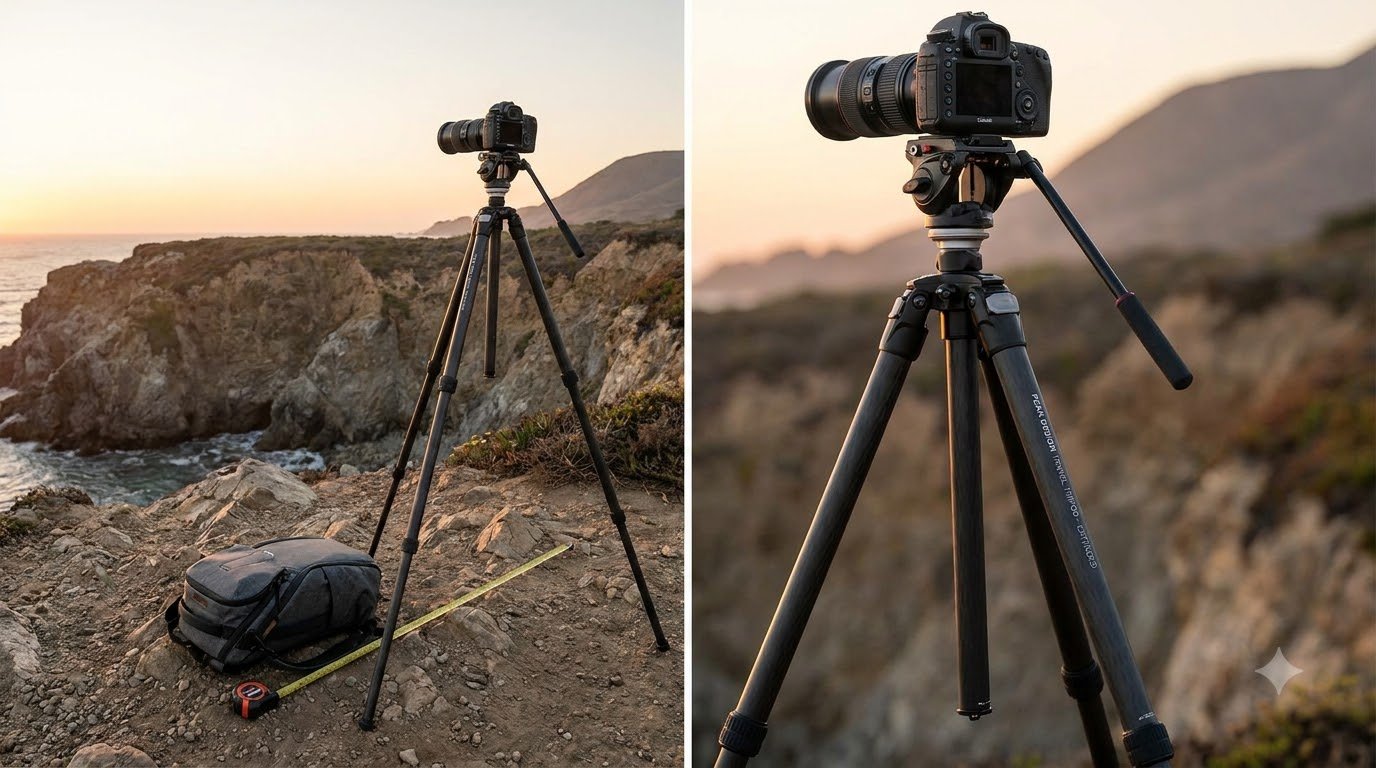
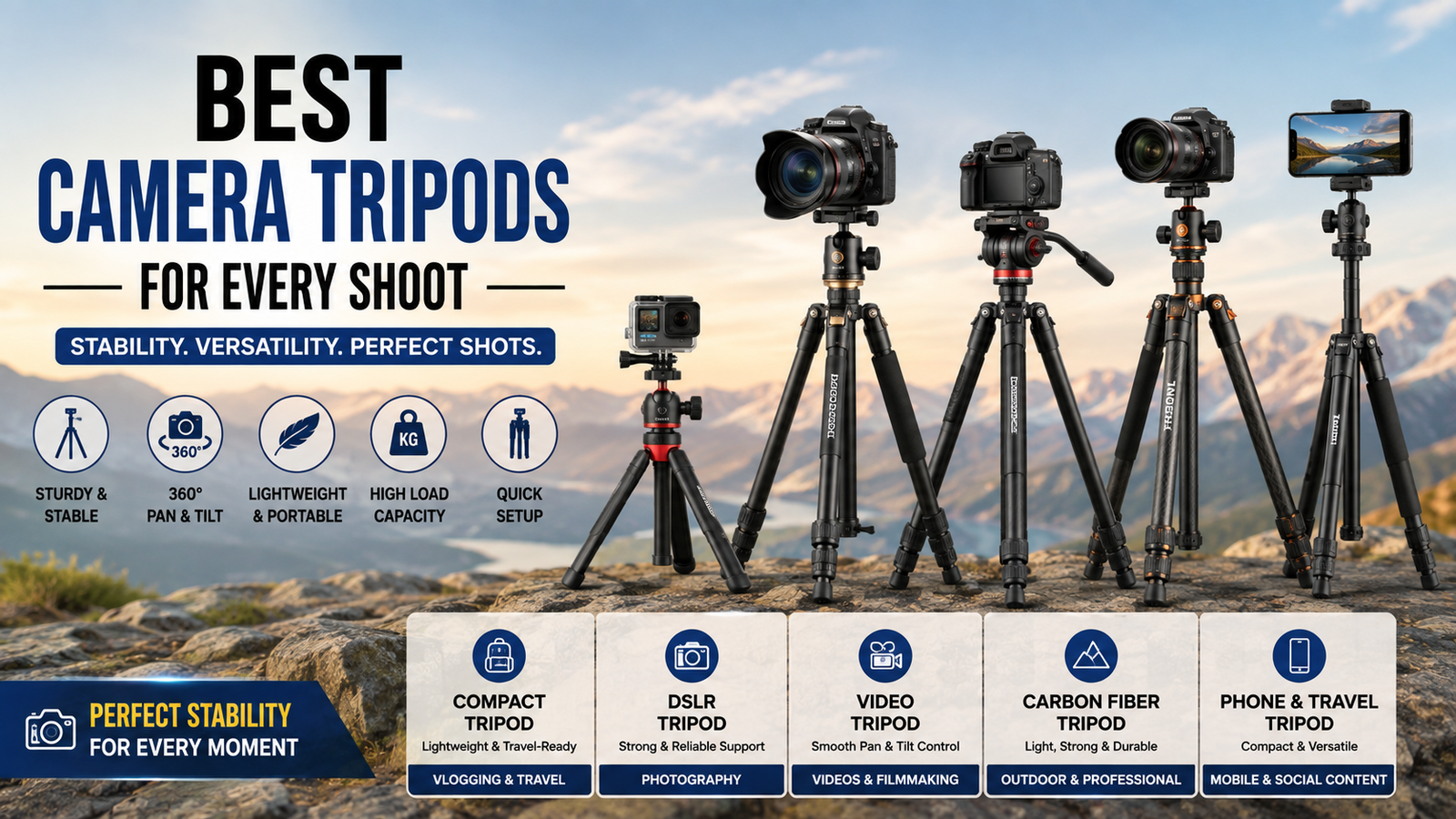
Introduction to the Geared Center Column Tripod
A geared center column tripod lets you raise and lower your camera with a simple turn of a crank, instead of sliding a heavy post up and down by hand. The result is smoother, more precise height control, which matters when you shoot video, product photos, close-ups or anything where the framing has to be exact.
Below, we break down how the gear system works, who benefits most, how it compares with a standard column and what to check before you buy. We also look at the Adofys 76-inch aluminium tripod, which pairs a geared elevator column with a 3-way head and a bubble level.
What Makes a Geared Center Column Tripod Different?
The center column is the vertical post that sits between the three legs. Once the legs are fully extended, the column gives you extra height. On a basic tripod, you loosen a knob, slide the column by hand and tighten it again. That is quick, but the camera can slip while you adjust it, and tiny height changes are almost impossible.
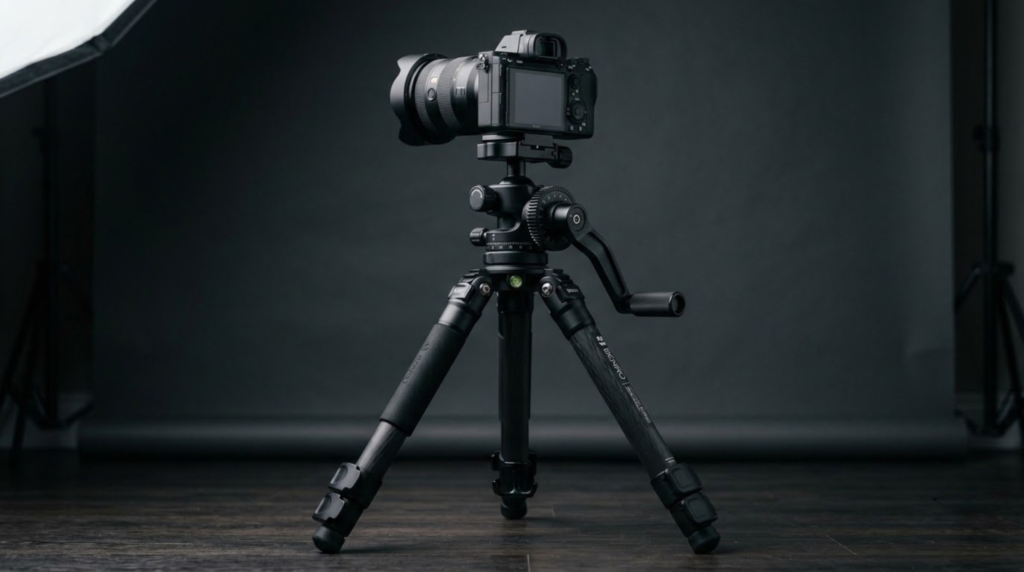
A geared center column tripod replaces that sliding action with a hand crank. If you want a general overview of how tripods are built, this page on the photographic tripod is a helpful starting point.
How the Crank and Gear System Works
Inside the column is a toothed rack, and the crank turns a small gear that moves along it. This is a version of the classic rack and pinion mechanism. Because the gears carry the load, the column rises and lowers smoothly and stays exactly where you stop turning. Many models also include a locking knob to hold the height firmly once you are happy with it.
Who Benefits Most from a Geared Center Column Tripod?
The gear system is helpful for many kinds of creators, but some benefit more than others.
| Type of Creator | Why the Geared Column Helps |
|---|
| Product and Tabletop Photographers | Allows tiny height adjustments without disturbing the framing |
| Video Creators and Vloggers | Provides smooth height changes between takes and steady support for heavier rigs |
| Studio and Portrait Shooters | Enables quick, controlled height adjustments for different subjects |
| Interior and Real Estate Photographers | Makes it easier to fine-tune camera height for clean, straight compositions |
| Macro and Close-Up Shooters | Provides precise, repeatable adjustments at short distances |
| Mobile Content Creators | Allows easy height changes when using a phone holder |
Advantages of Owning a Geared Center Column Tripod
- Smooth motion: No sudden drops or jerks while the camera is mounted.
- Precise framing: You can nudge the height by very small amounts.
- Better with heavy gear: The gears take the strain, so cameras and lenses stay put.
- Comfortable to use: Turning a crank is easier than fighting a stiff, sliding post.
- Repeatable results: It is simpler to return to the same height for consistent shots.
- Less wear: Gentle, geared movement is kinder to the column than forcing it by hand.
Smart Buying Checklist for Geared Column Tripods
Before you choose a geared center column tripod, run through these points.
- Crank feel: The handle should turn smoothly, without grinding or sudden stiffness.
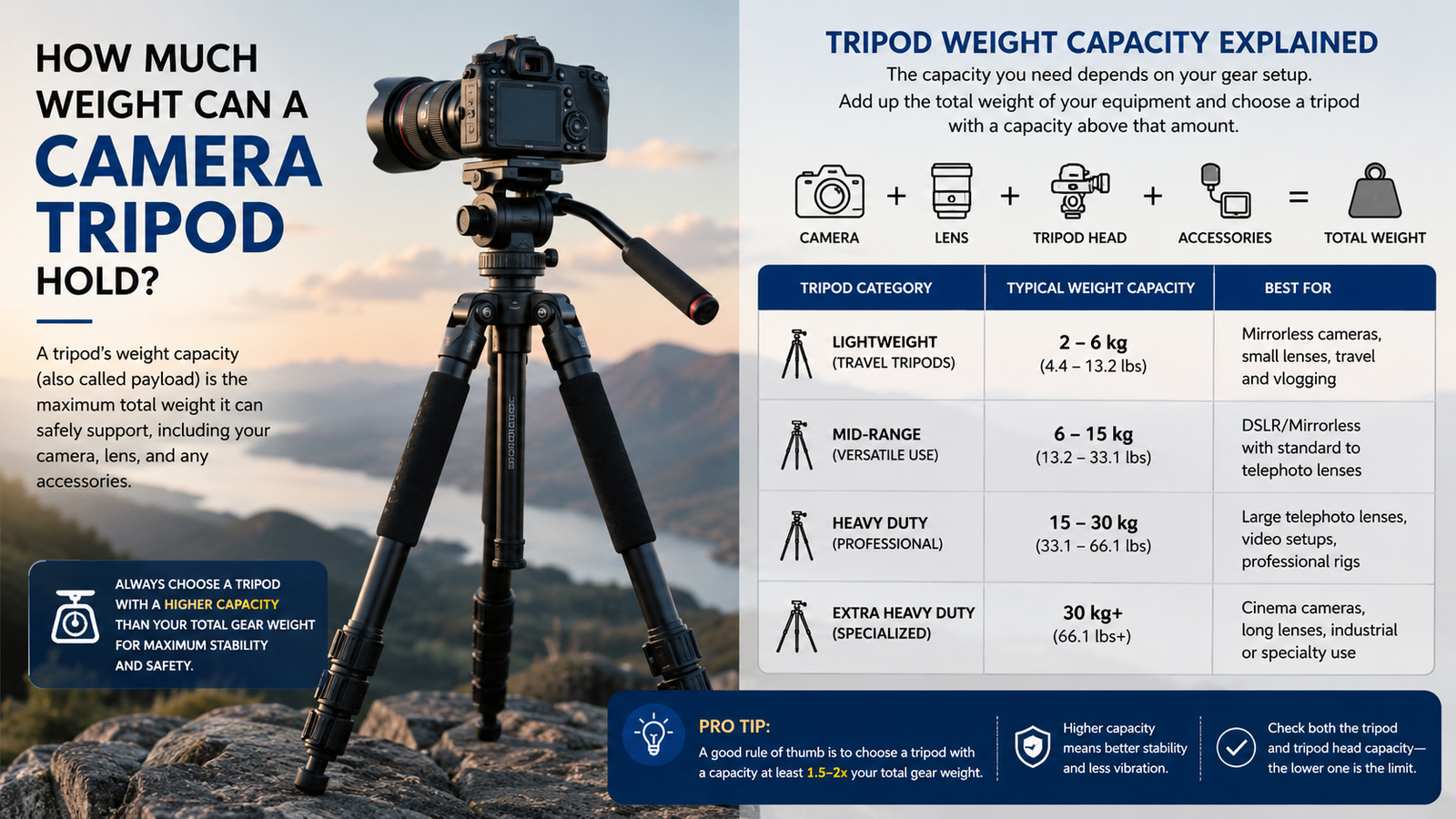
- Maximum load: Choose a rating comfortably above your camera, lens and accessories.
- Height range: Look for a low minimum height for tabletop work and a tall maximum for eye level shooting.
- Leg locks: Flip locks are quick to open and close and easy to check at a glance.
- Head and plate: A 3-way head with a 1/4-inch quick-release plate suits most cameras and phones.
- Extra features: A bubble level, a locking knob and non-slip rubber feet add real convenience.
- Portability: A travel bag and a compact folded length make everyday carrying easier.
Using the Crank Correctly: A Simple Routine
- Extend the legs first. Open and lock each leg section to get most of your height from the legs.
- Loosen the column lock. Release the locking knob so the column can move freely.
- Turn the crank slowly. Raise or lower the column in small steps while watching your framing.
- Stop and lock. When the camera is at the right height, tighten the locking knob.
- Check stability. Give the tripod a gentle nudge to make sure it feels firm before you begin shooting.
Reasons Creators Trust Adofys Tripods
Adofys focuses on useful, budget-friendly accessories under the slogan “Make Your Life Better.” The brand covers tripods, selfie sticks and fill lights, so you can put together a full shooting setup without hunting across different sellers. Each tripod kit comes with a travel bag and a phone holder, which means the same gear can support your camera, your smartphone or even a projector. For fresh ideas and updates, have a look at the Adofys blog.
Frequently Asked Questions
Is a geared center column tripod worth it?
For most creators who care about precision, yes. A geared center column tripod gives smoother, more accurate height control and holds heavier cameras securely, which is especially useful for video, product and close-up work.
Does a geared center column make the tripod heavier?
Slightly, because of the gear mechanism. In practice the difference is small, and many photographers happily accept it in exchange for smoother control.
Can I use a geared center column tripod for video?
Yes. The smooth crank makes it easy to set your height between takes without shaking the camera, and a stable base helps keep footage steady.
How do I lock the column at a specific height?
Turn the crank until the camera reaches the height you want, then tighten the locking knob. This holds the column firmly in place while you shoot.
Can I attach a smartphone to a geared center column tripod?
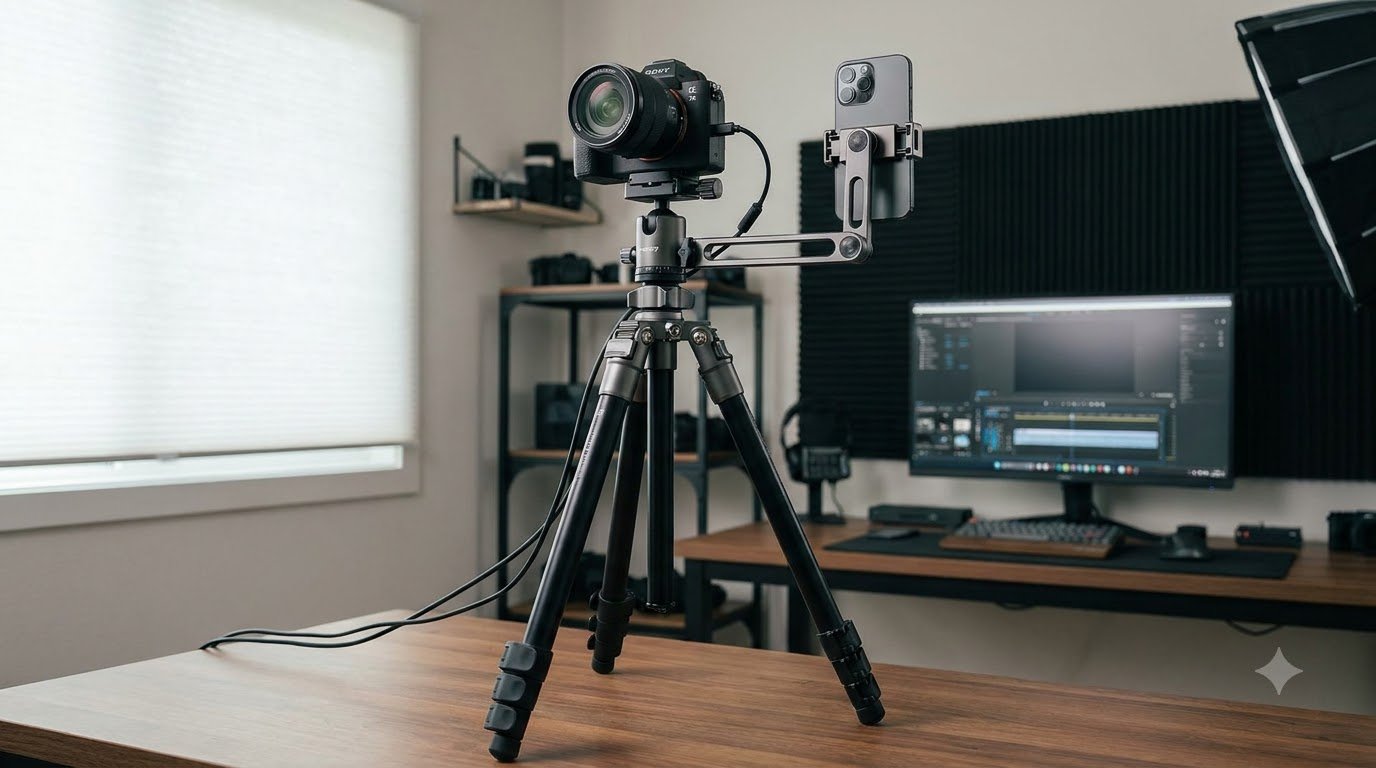
Yes. Fit a phone holder on the 1/4-inch quick-release plate, and you can use the tripod for reels, live streams and tutorials. The Adofys 76-inch model ships with a phone holder.
Lift Your Setup the Smooth Way
If you are ready for steadier, more precise camera height, explore the range in the Adofys shop. Not sure which model fits your gear? Send us a message on the contact page and we will help you pick the right tripod.